
Purpose: The cashier can easily manage delivery orders via actions: Print Check or Bill, Get payment or Cancel order.
Instruction steps:
1. Print Check/Bill for the shipper
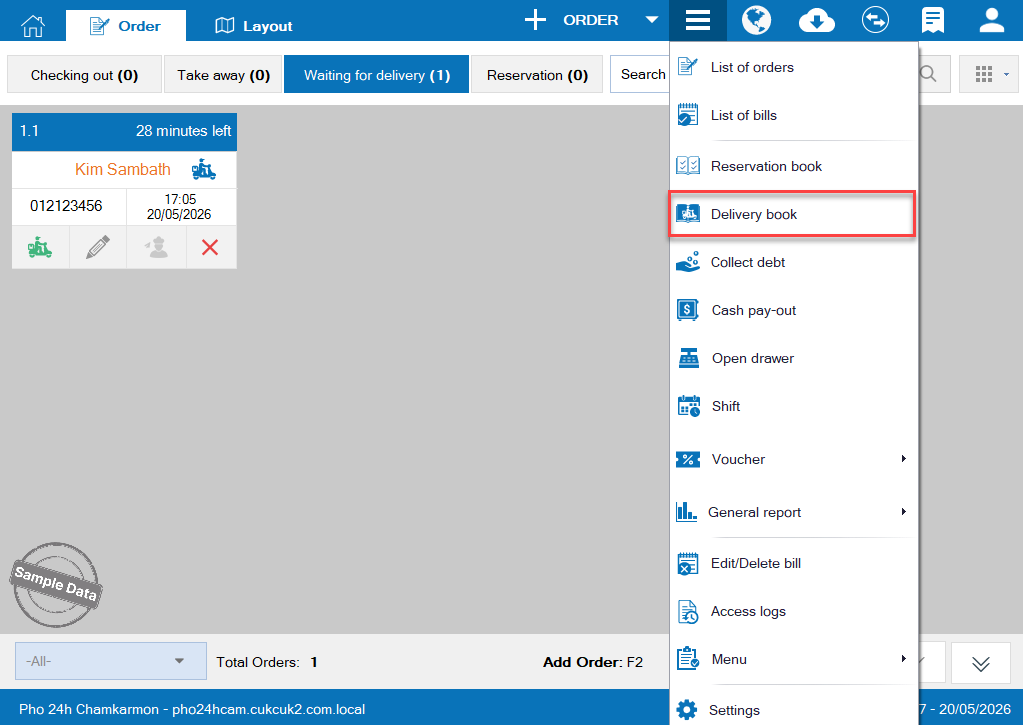
Go to Delivery book
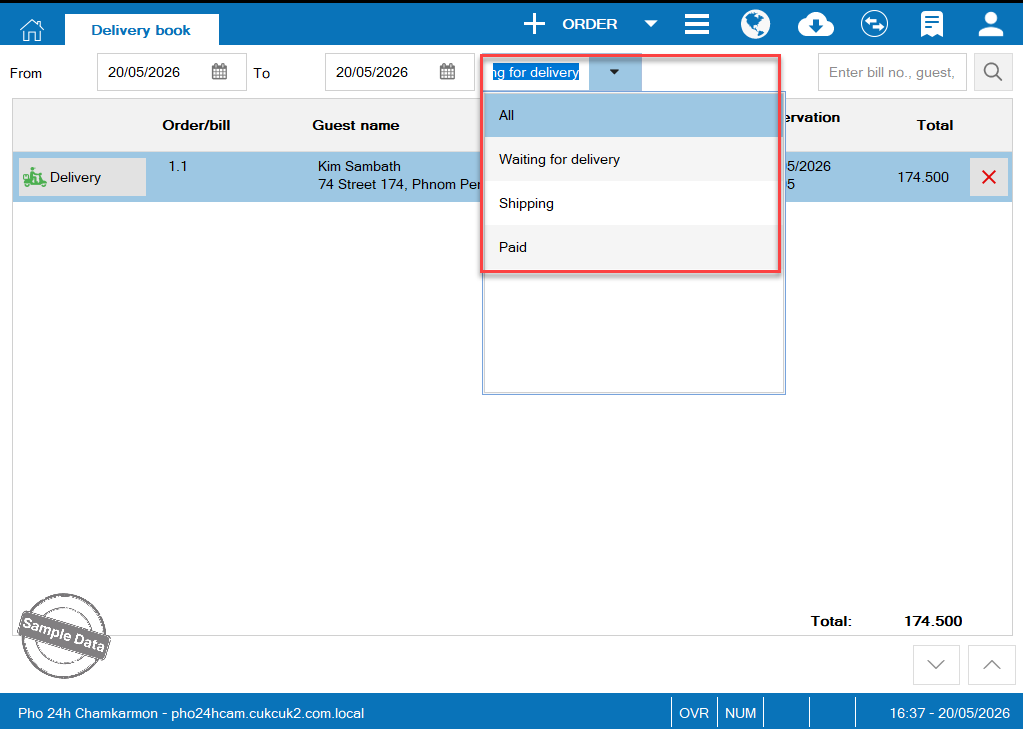
Select a status.
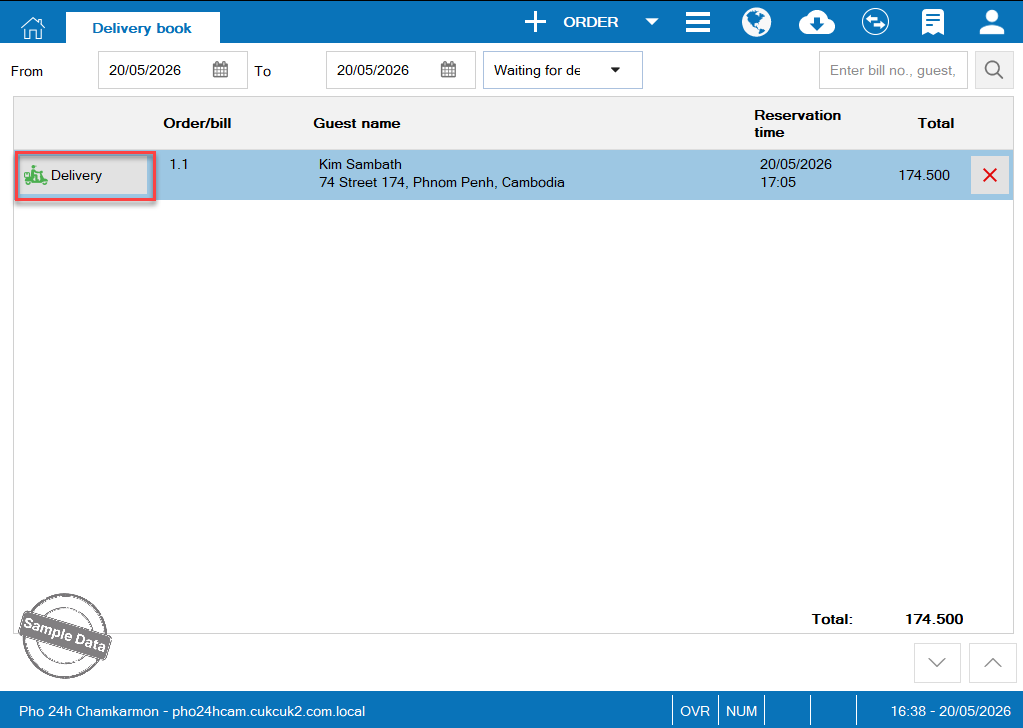
Click Delivery to print bill for the shipper.
On Delivery screen, click Delivery
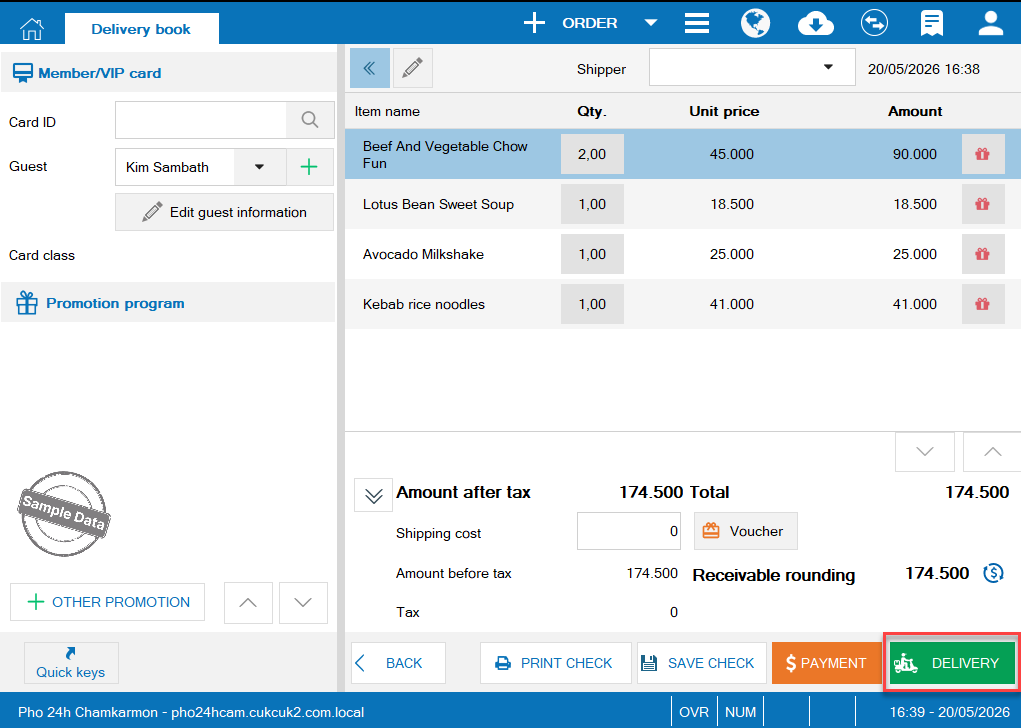
Note: In Shipper box, click on the list to select a shipper. If the shipper is not in the list, enter it here and it will be automatically saved to the list for next times.
2. Get payment from delivery orders
Go to Delivery book and search orders in Shipping status
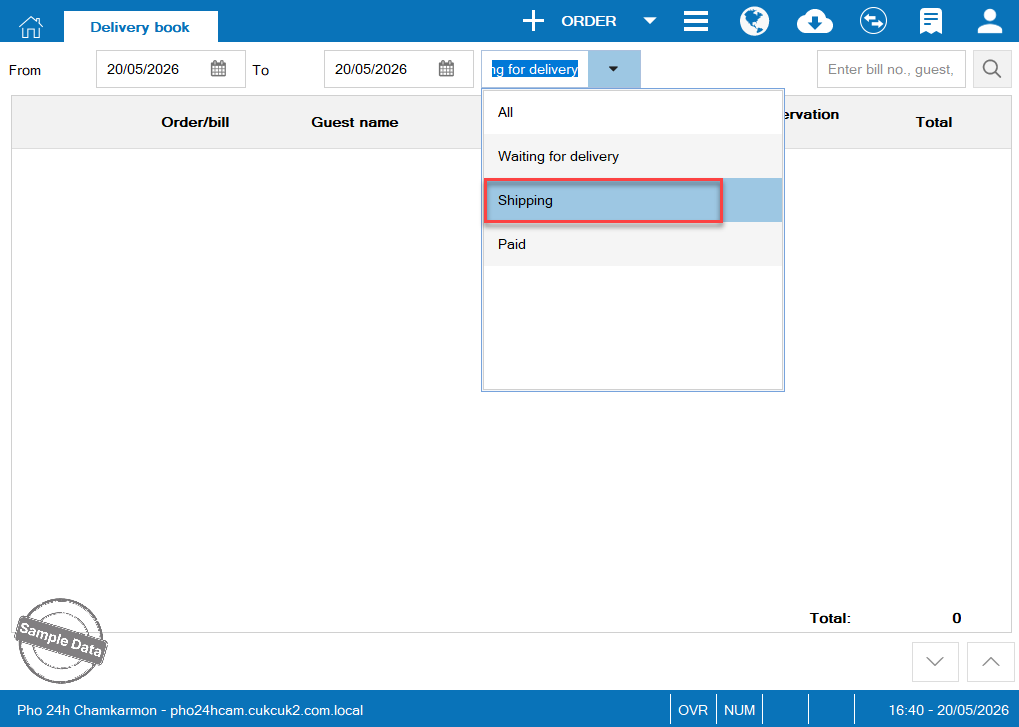
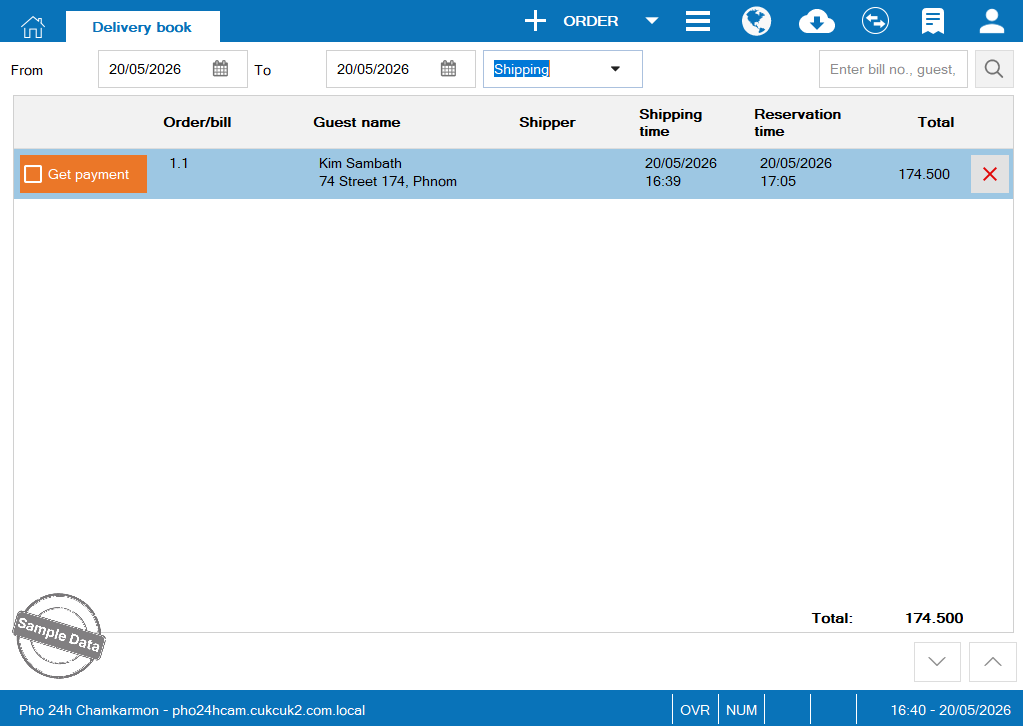
Click Get payment to confirm payment.
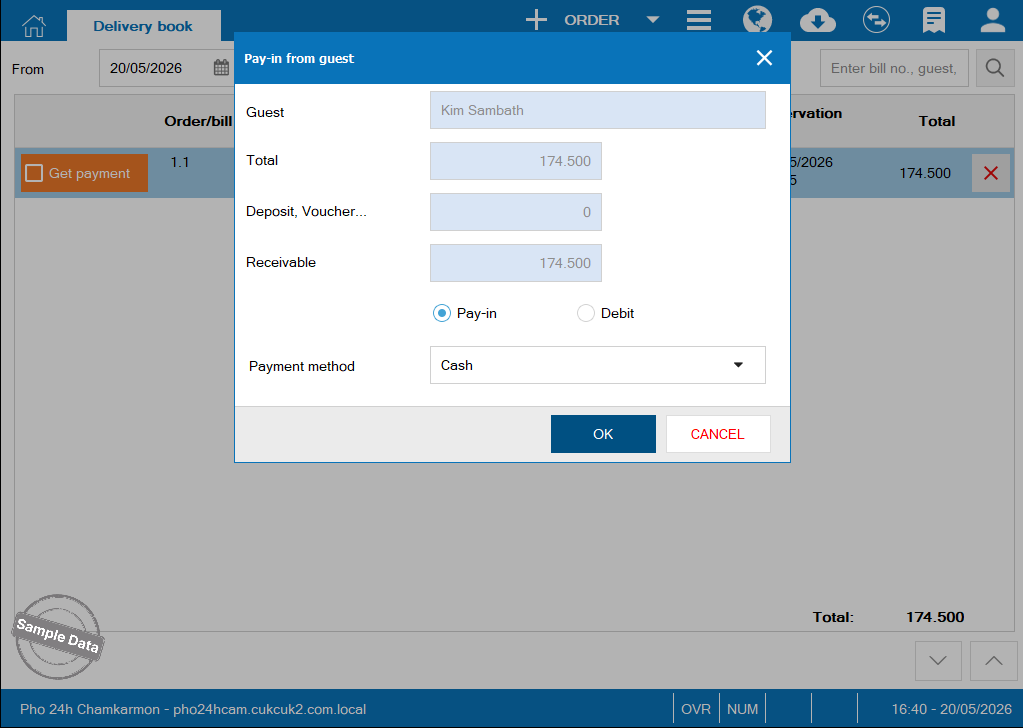
Select payment method and click OK.
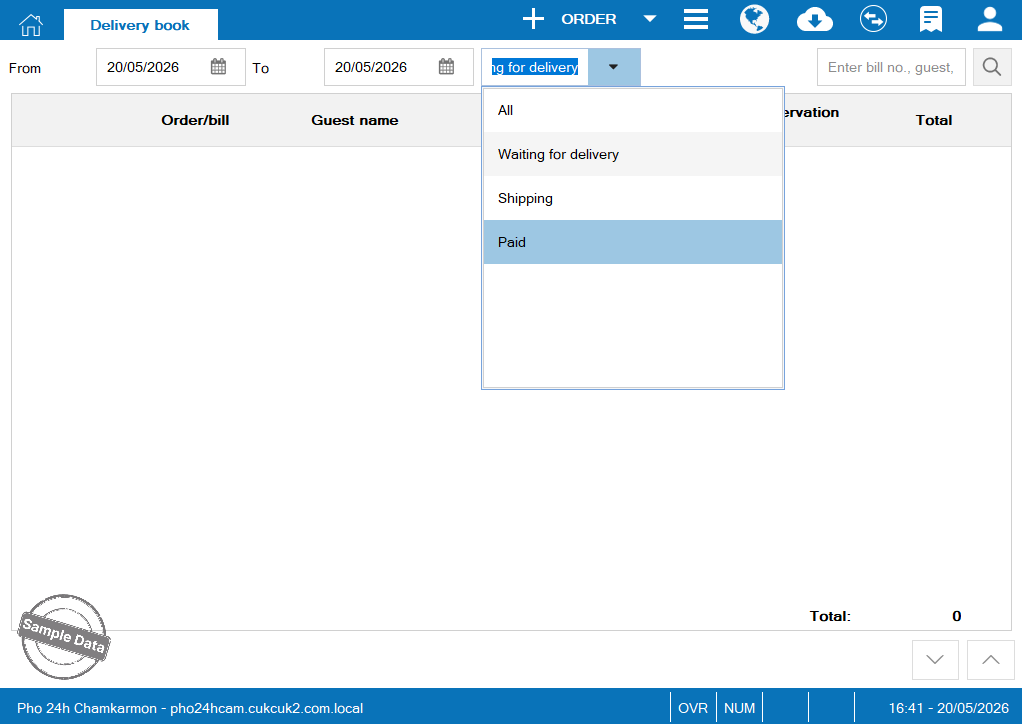
3. Check paid orders
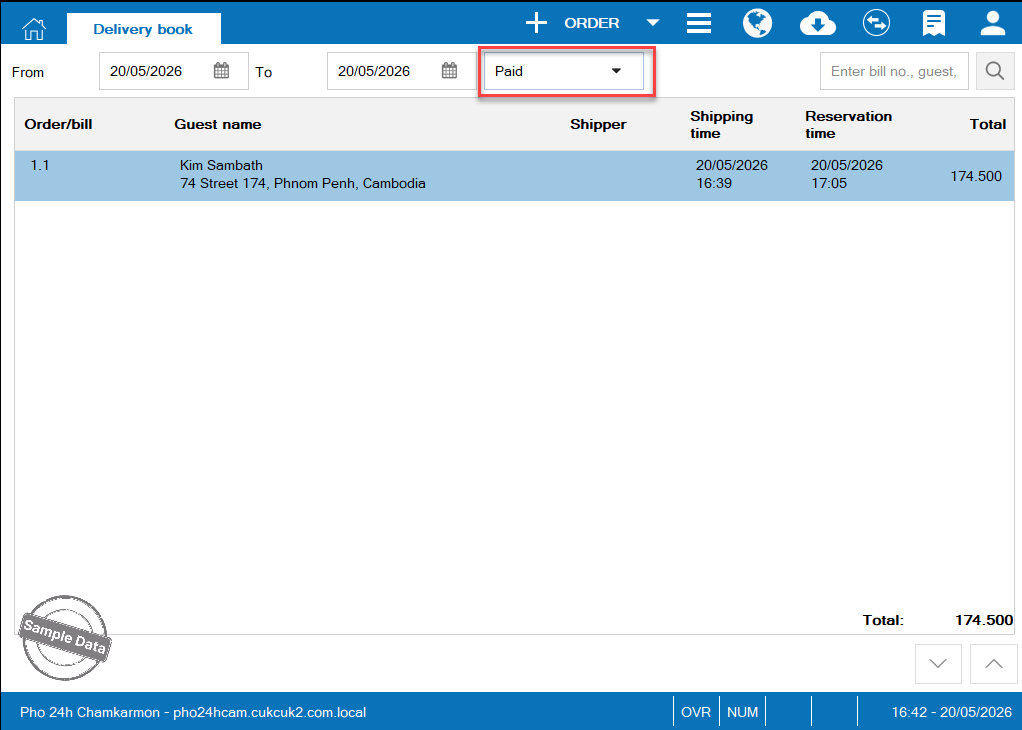
To check paid orders, select orders in Paid status.
3. Cancel delivery orders
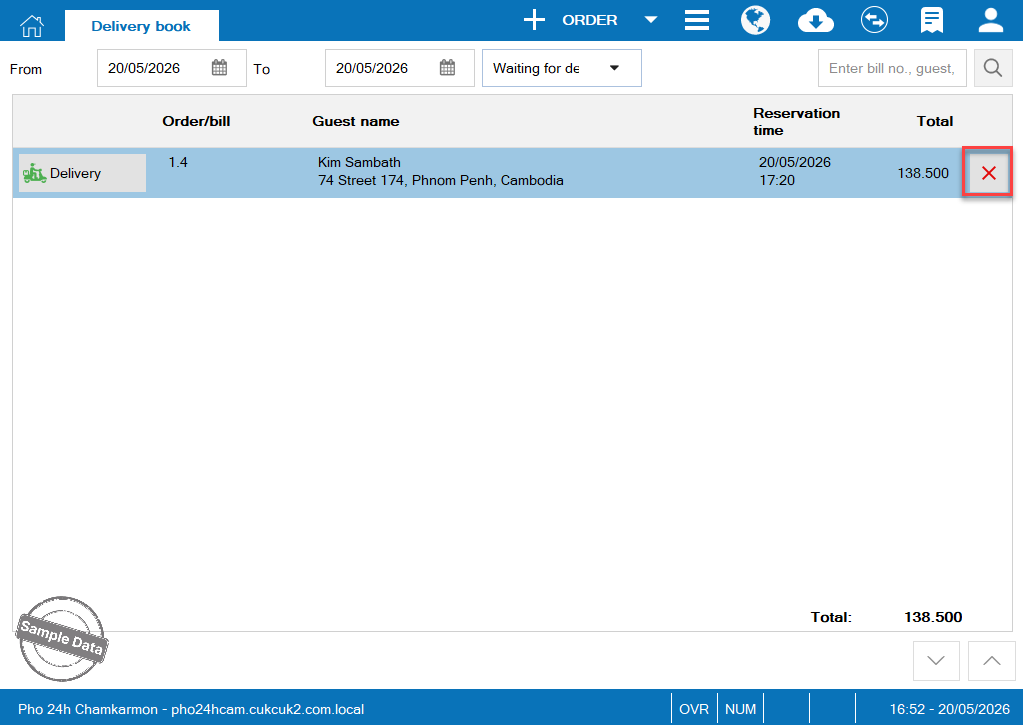
On list of Waiting for delivery or Shipping orders, select order to be cancelled. Click Cancel icon 
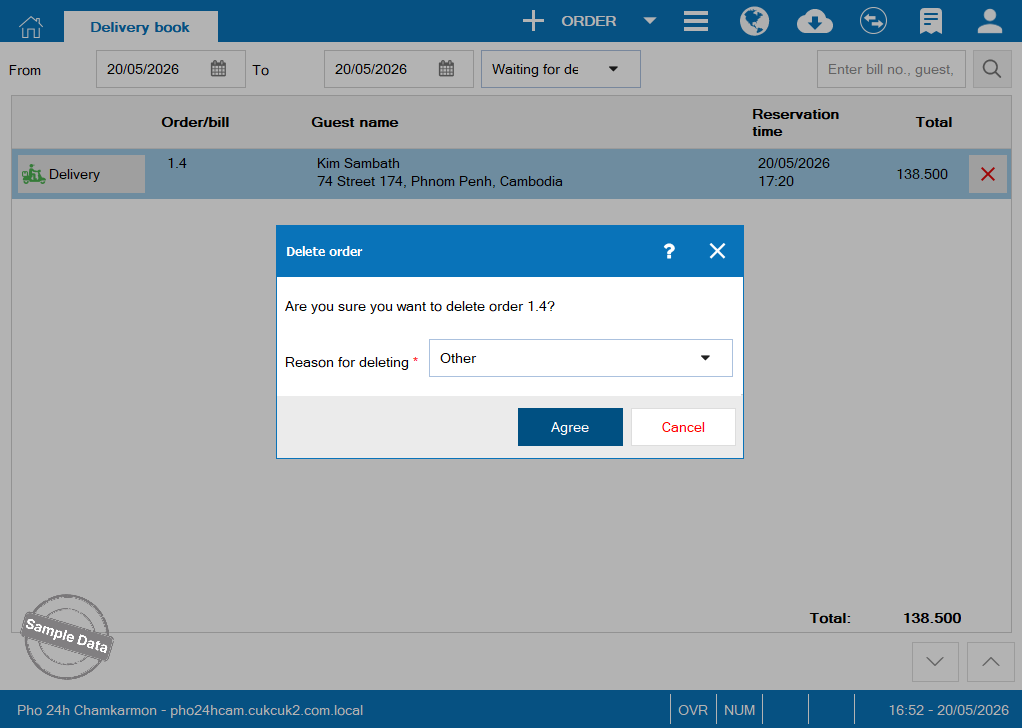
Select reason and click Agree.
Have a nice day!
