
To export, e-Journal, please follow these steps.
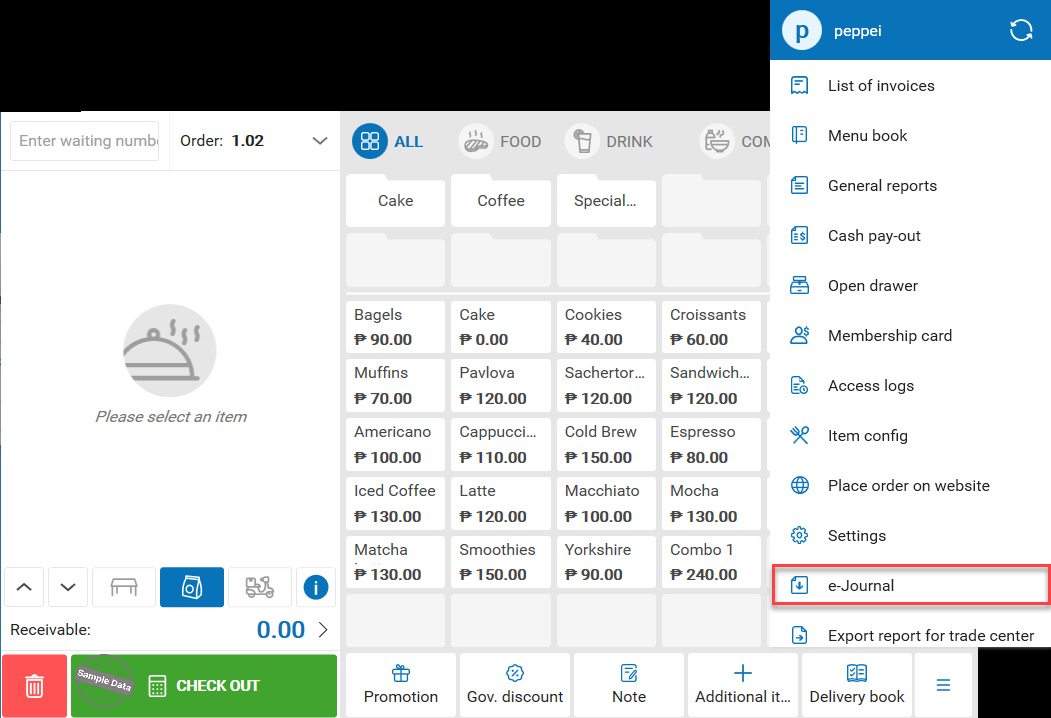
On Home screen of Quick Service app, click on this icon  and select e-Journal.
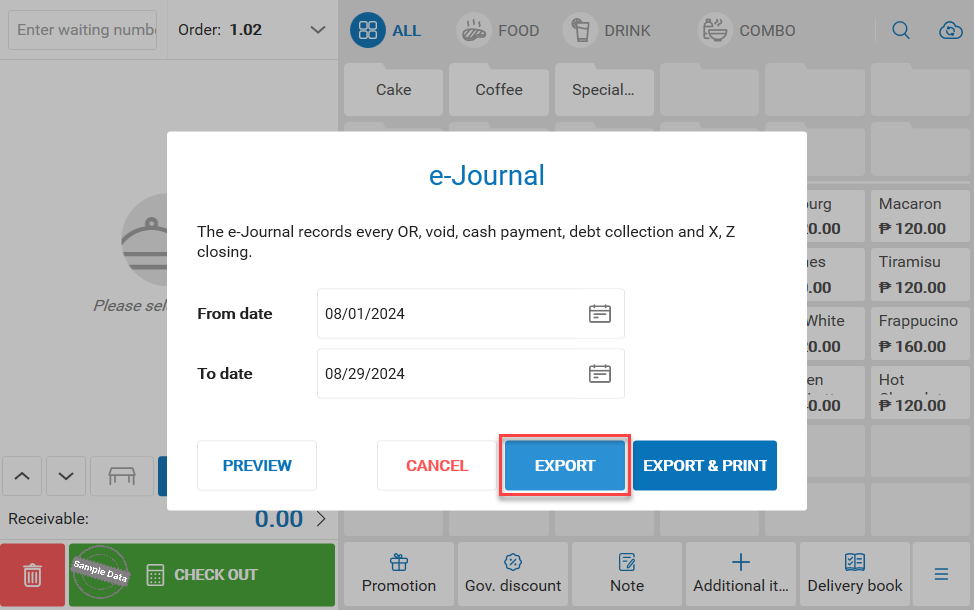
Select time range and press Export.
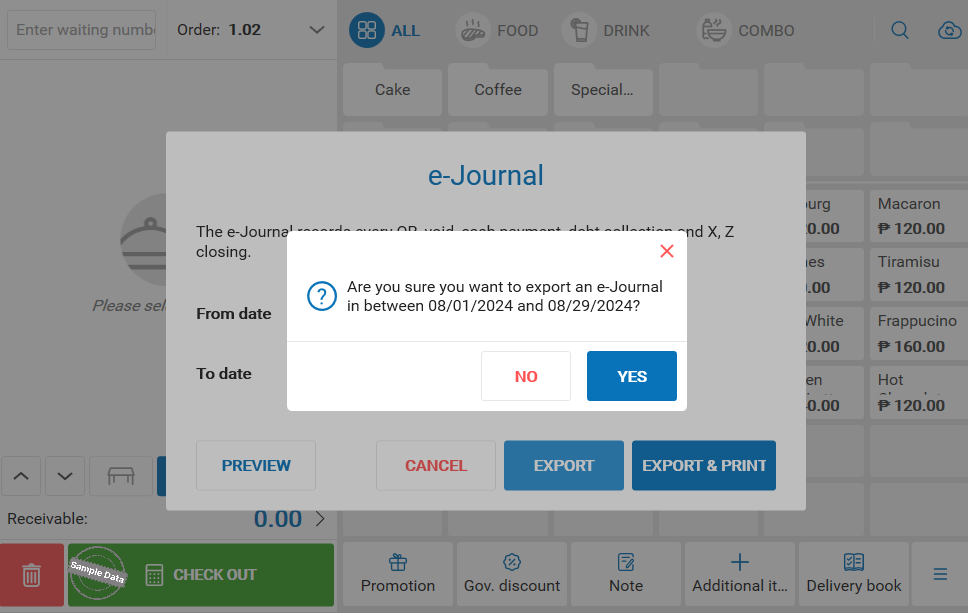
This message will pop up. Click Yes to export.
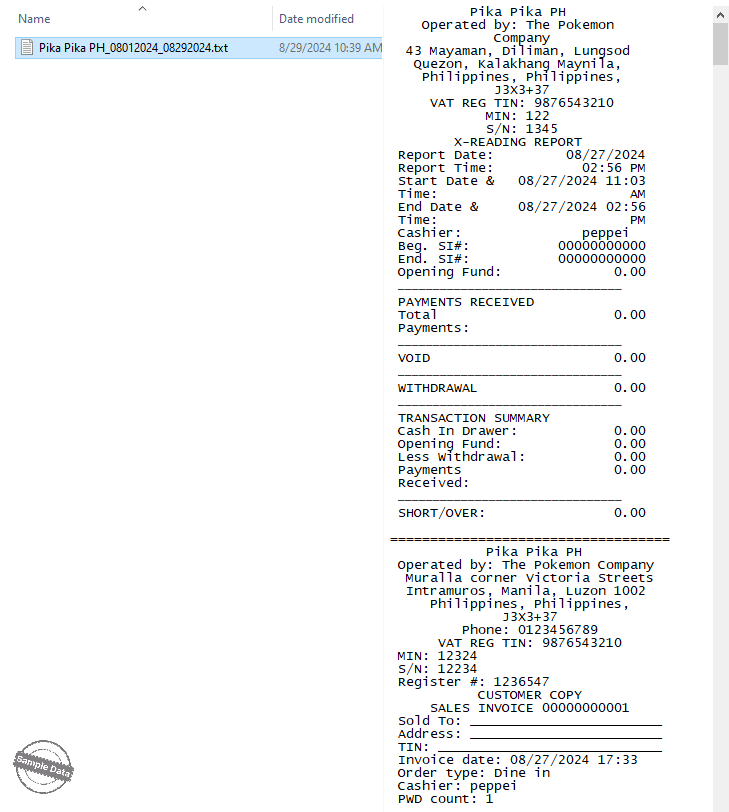
Here is a cut of the exported file.
Have a nice day!
