To register CUKCUK.VN on tablet, please follow these steps:
- Download and install application CUKCUK.VN – For sale operation on tablet, view details instruction here.
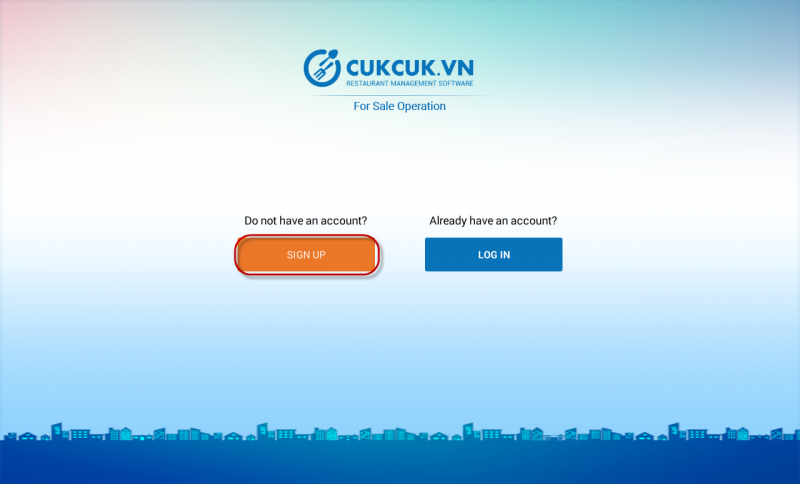
- Open application, select REGISTER.
- Fill in Register form.
- Select Sign up.
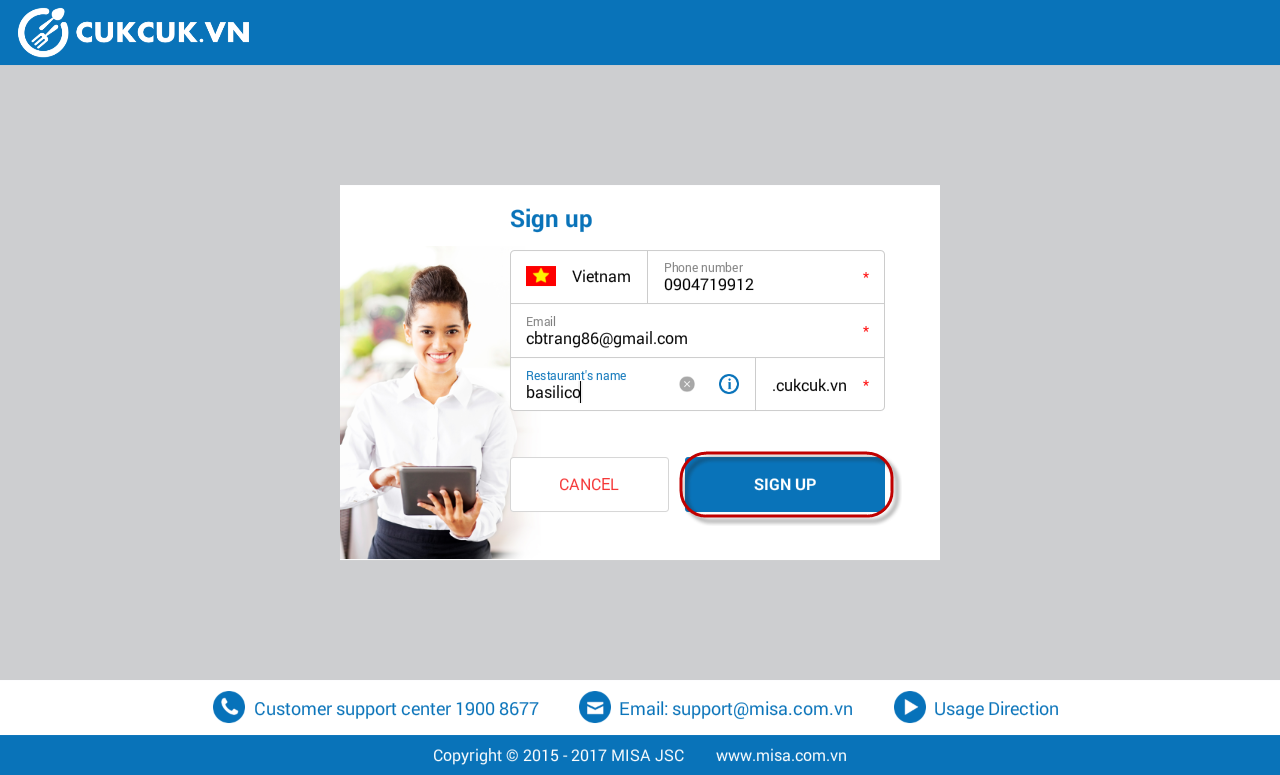
- Note:
- Message with activation code will be sent to your mobile phone.
- Email with activation code will be sent to your registered email.
- Valid restaurant name will be your login domain.
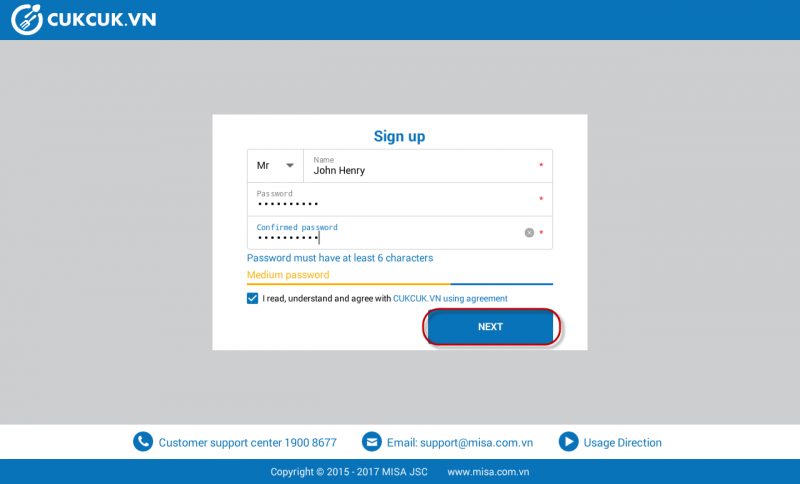
- Fill in your name and password.
- Select “I have read, understood, and agreed with CUKCUK.VN Conditions agreement .”
- Select Next.
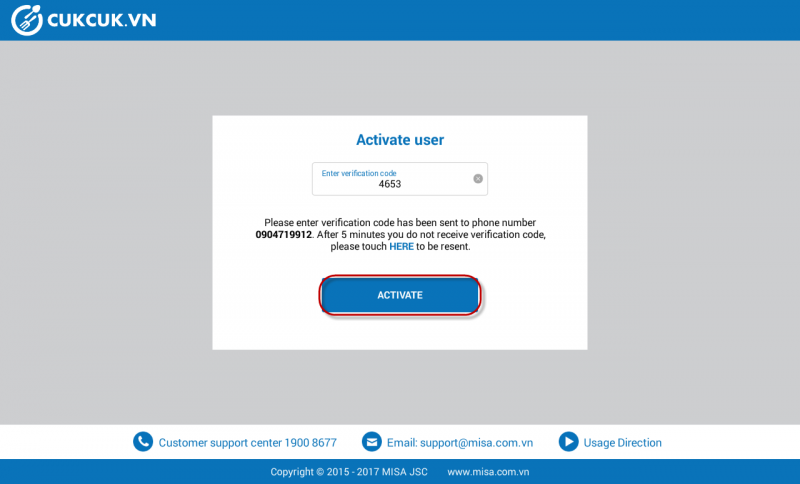
- Enter activation code received via phone or email.
- Select Activate.
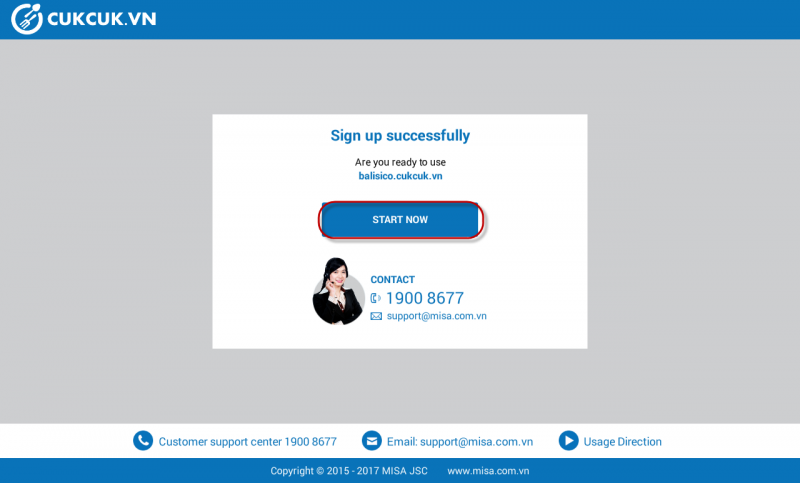
- Touch Start now.
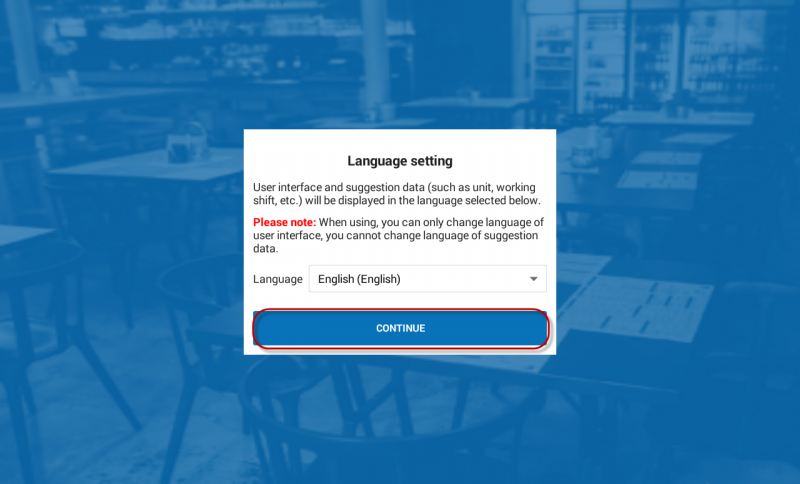
- Select language for your software. Note: Suggestion data of the software (For example: Units, reason for deleting item/order, etc.) will be your selected language. When using, you can only change language of user interface, you cannot change language of suggestion data.
- Select Continue.
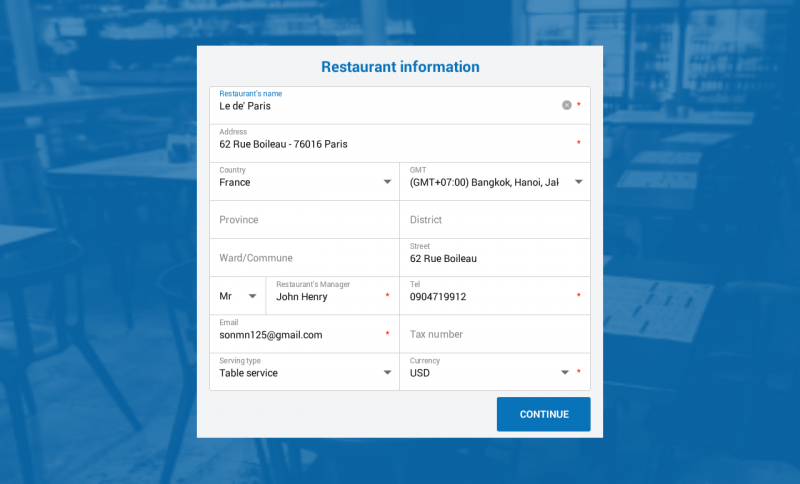
- Fill in restaurant information, and select Continue.
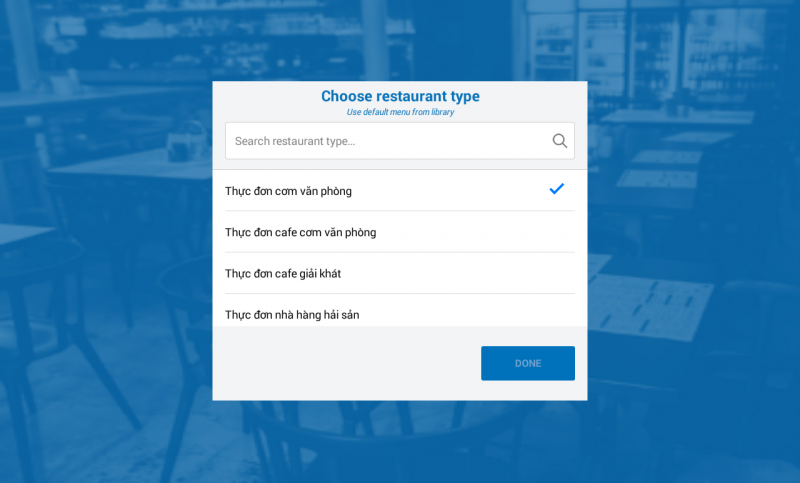
- Select restaurant type.
Note: This software has built-in library of food/drink of common restaurant (Ex.: Seafood restaurant, Café, etc.) and menu suggestion for each restaurant type.
- Touch Done to start using the application.