
To enter other items, follow these steps:
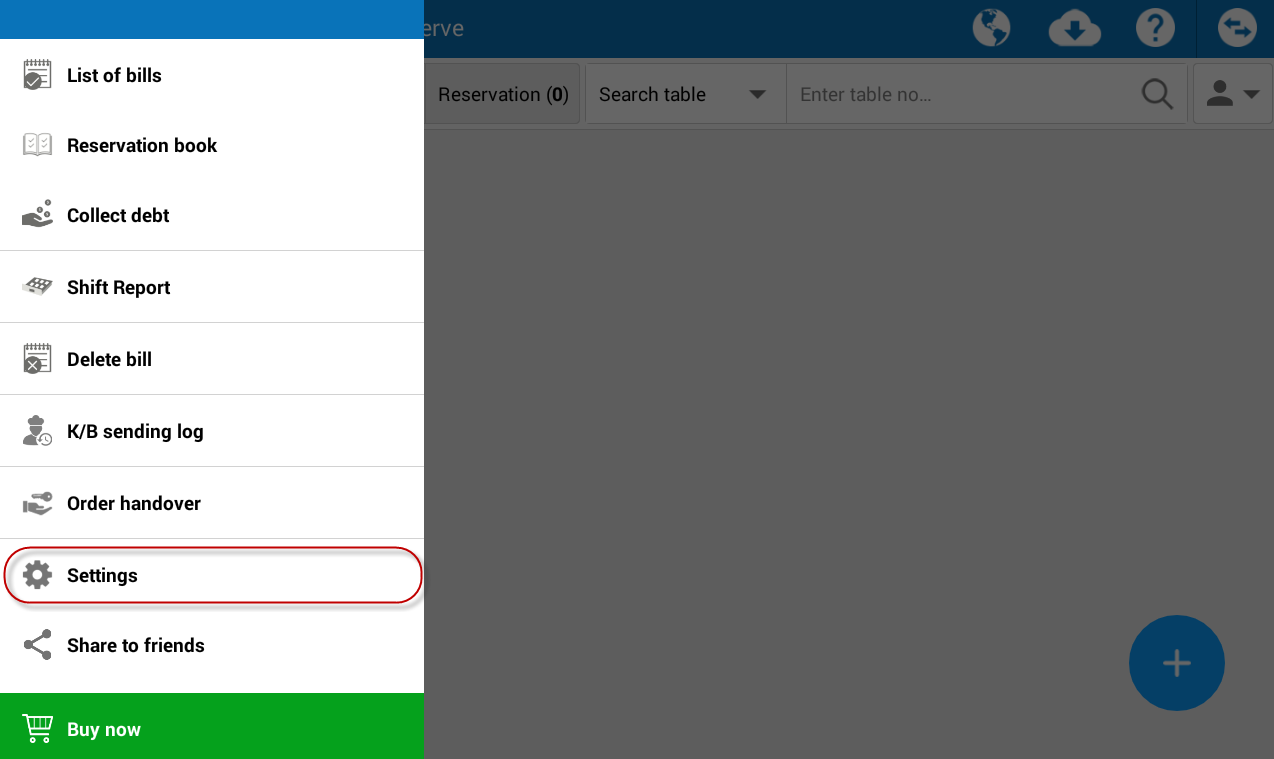
- Touch
 , select Settings.
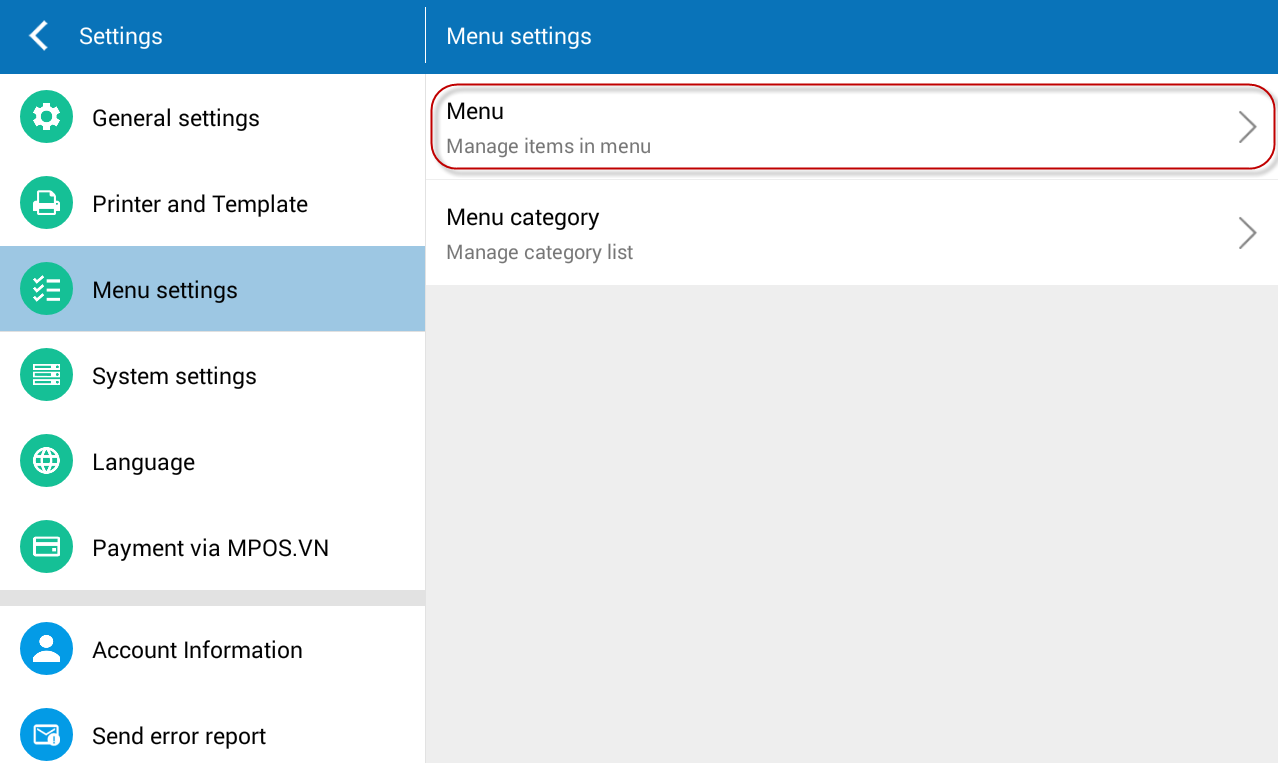
- On Menu settings, touch Menu.
- Select Other.
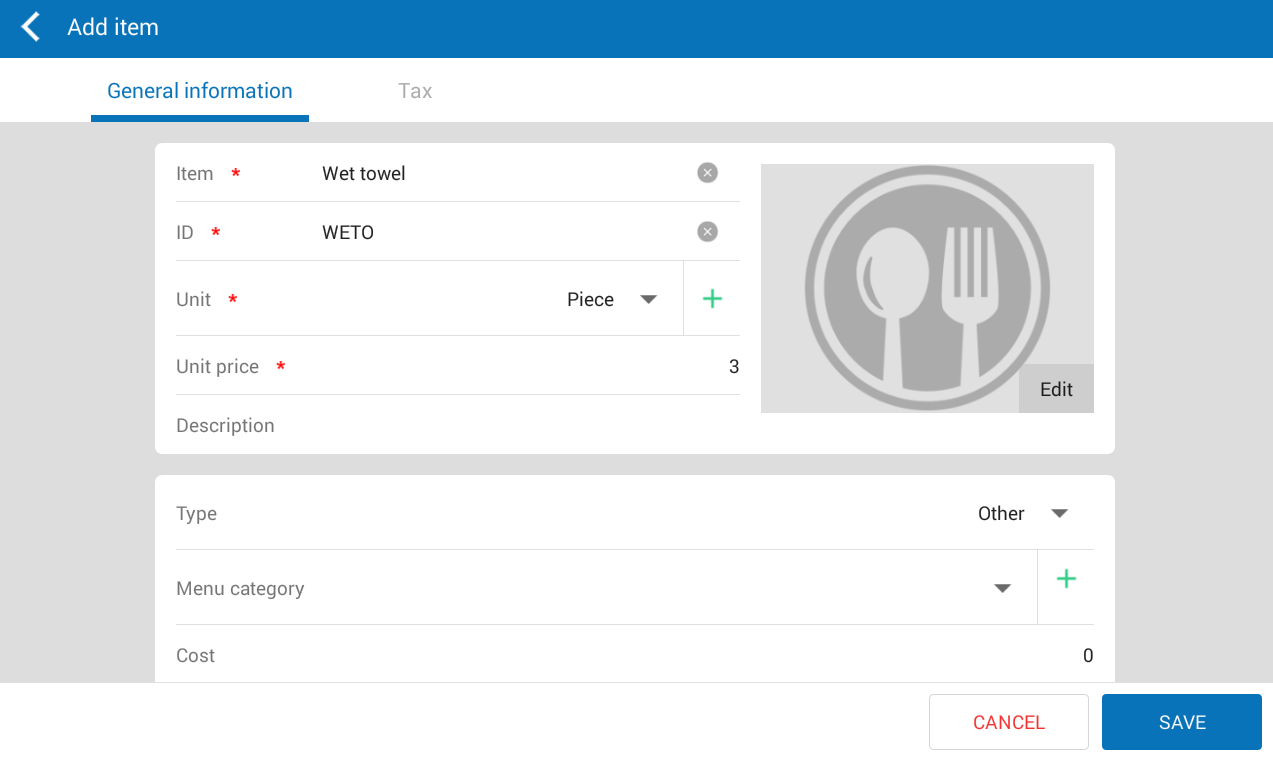
- Enter information on General information
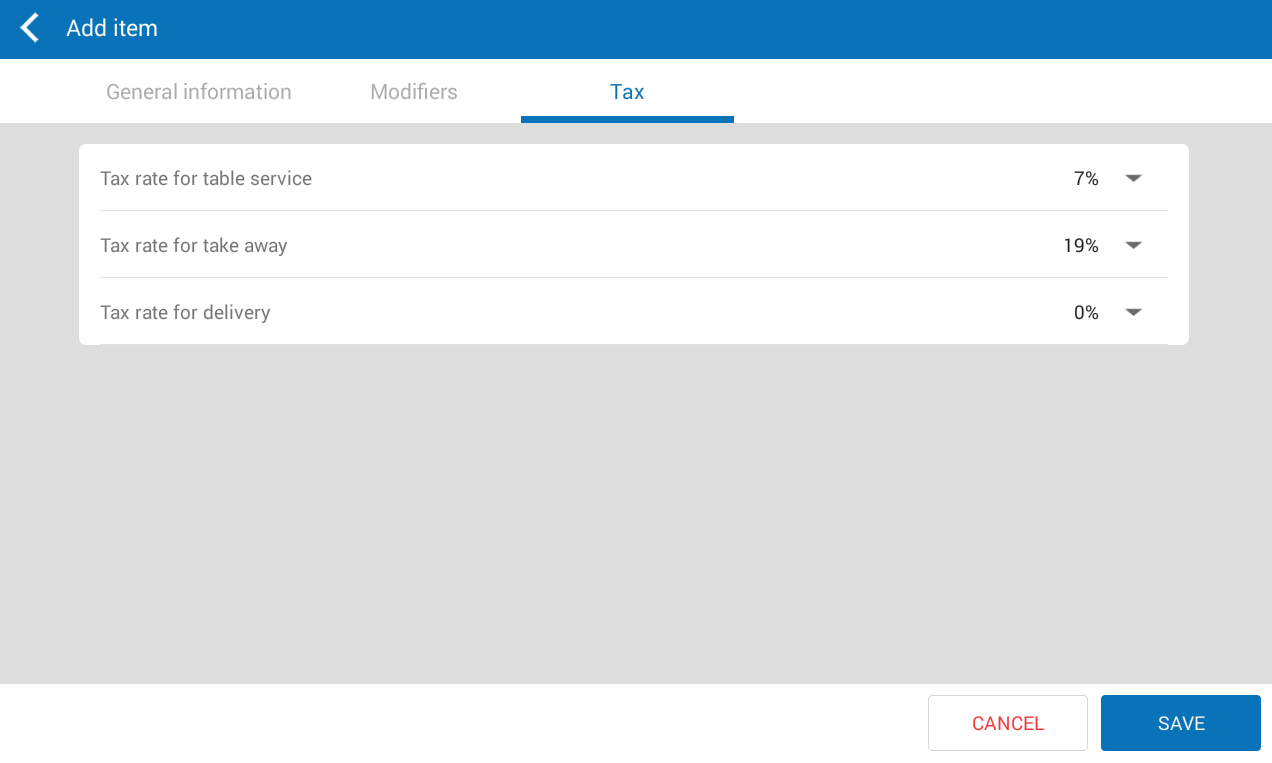
- On Tax tab, the program defaults tax rate of the food as per each serving type. It is possible to be edited.
- Touch Save.
Note: The manager can add other items by selecting Other tab and click Add. At this time, the system defaults type as Other.
