
To ensure compliance with regulation on restaurant management from 01/01/2017 to 31/12/2019 the manager must close entries and cannot delete generated bills. Please follow these steps:
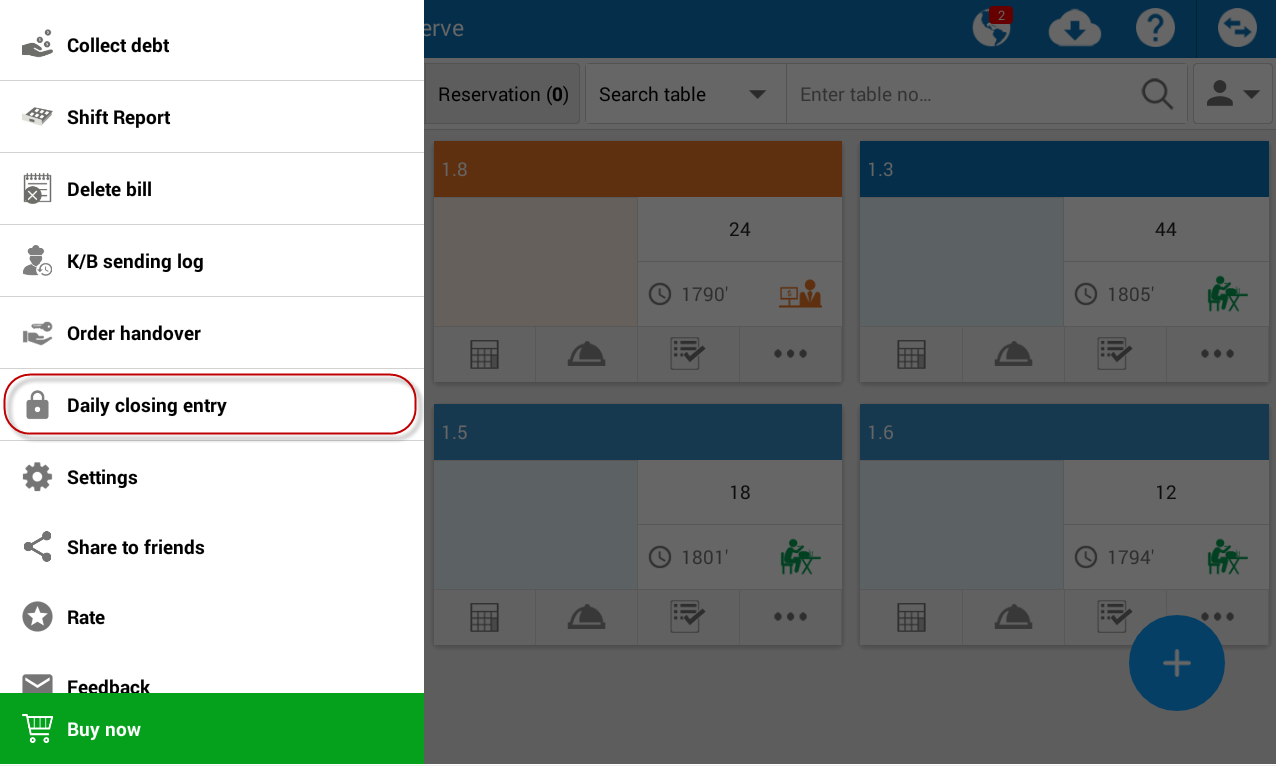
- Click this icon
 , select Daily closing entry.
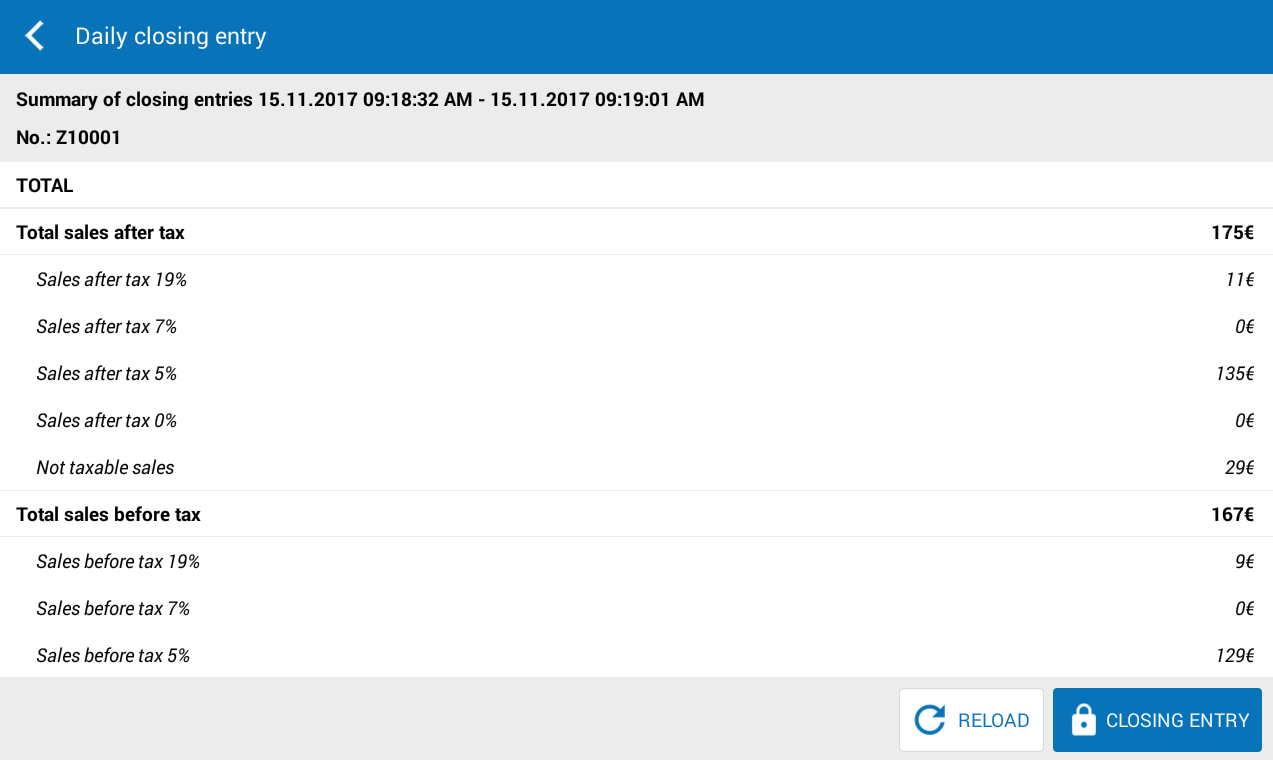
- The program displays detailed sales: total sales, sales before tax and after tax.
- Click Closing entry.
Note:
- Closing entries feature is only applicable to Offline mode.
- Only Manager, Chain Manager or System admin can conduct Closing entries.
- After closing entries, cannot change, edit or delete bill.
